![Mask[J]am](https://img.itch.zone/aW1nLzI1NTY5NzUxLnBuZw==/original/7E%2BiWi.png)
Mask[J]am
[Made for the 2026 Green Bay Global Game Jam]
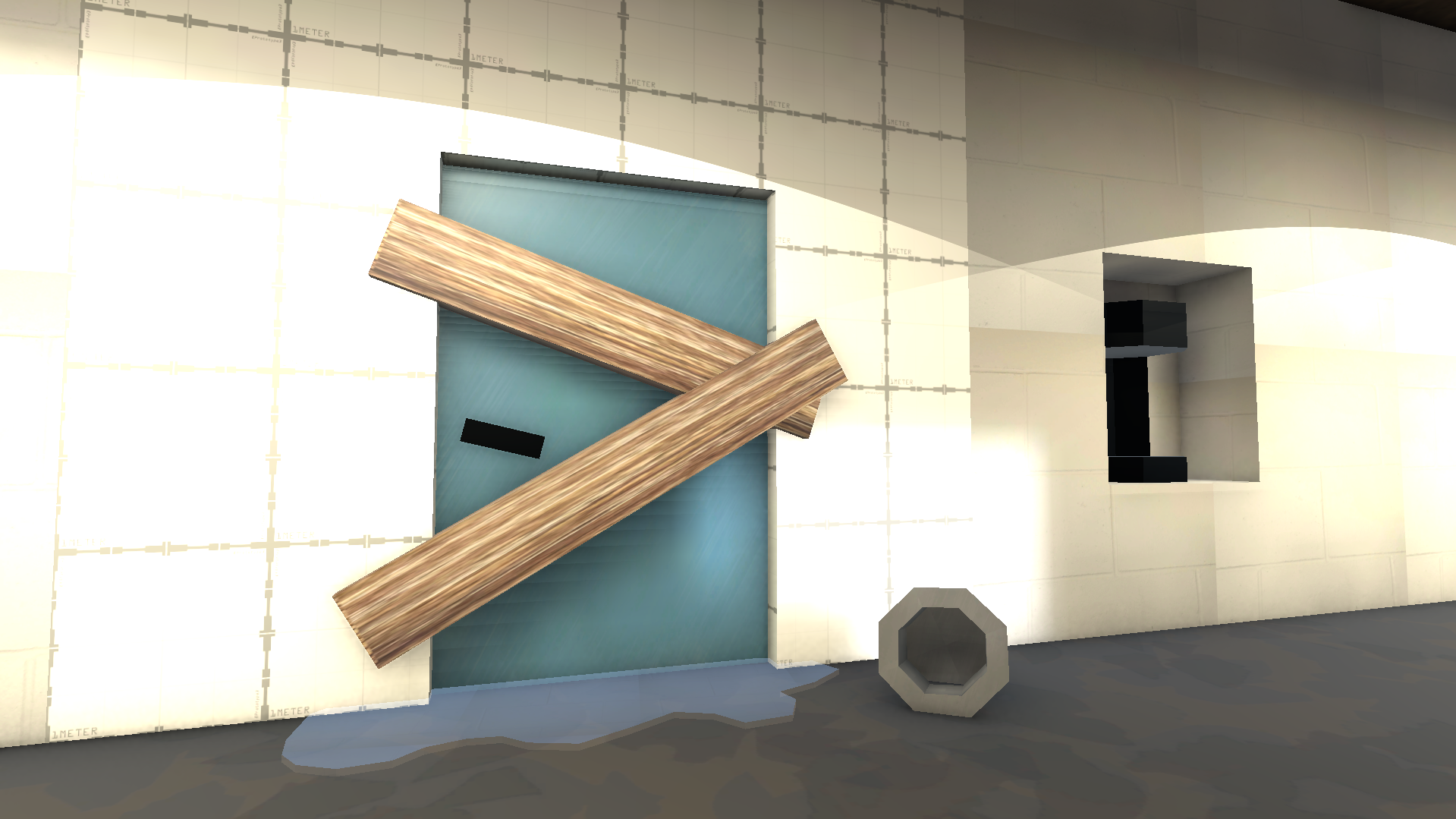
Someone has destroyed the bathroom at your local jam site! Talk to your fellow jammers to figure out who the true culprit was.
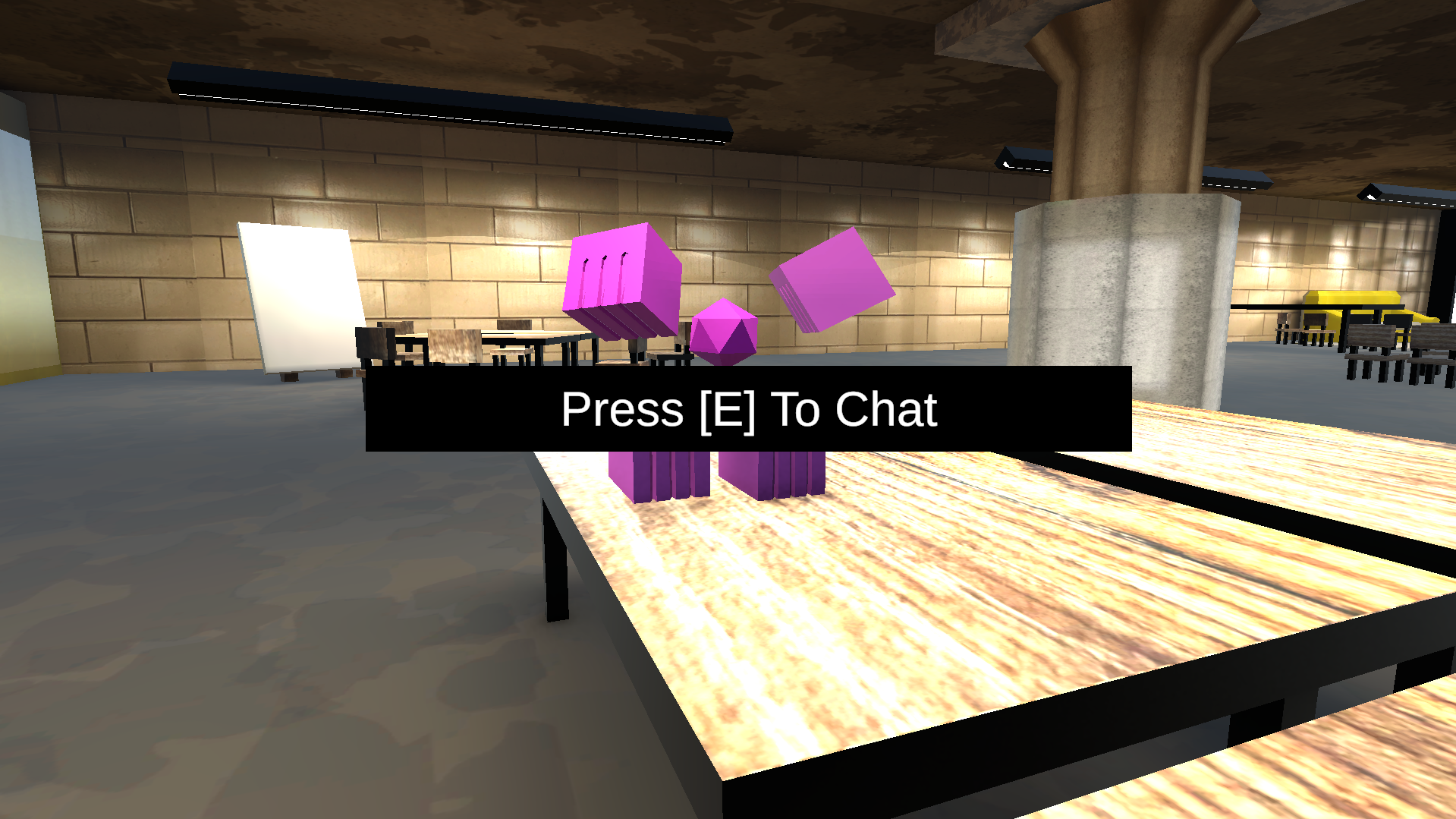
To accomplish this, talk to different NPCs through a connected large language model to gain valuable incite about the world.
Controls:
WASD to move
Mouse to Look
E to interact with others
Esc to Quit [Windows Version]
Windows Vs. Browser version:
Our game is designed to communicate with a large language model like ChatGPT or Deepseek. On the windows version this can be done through 3 different methods of API, but currently none of theses methods are functioning on browser.
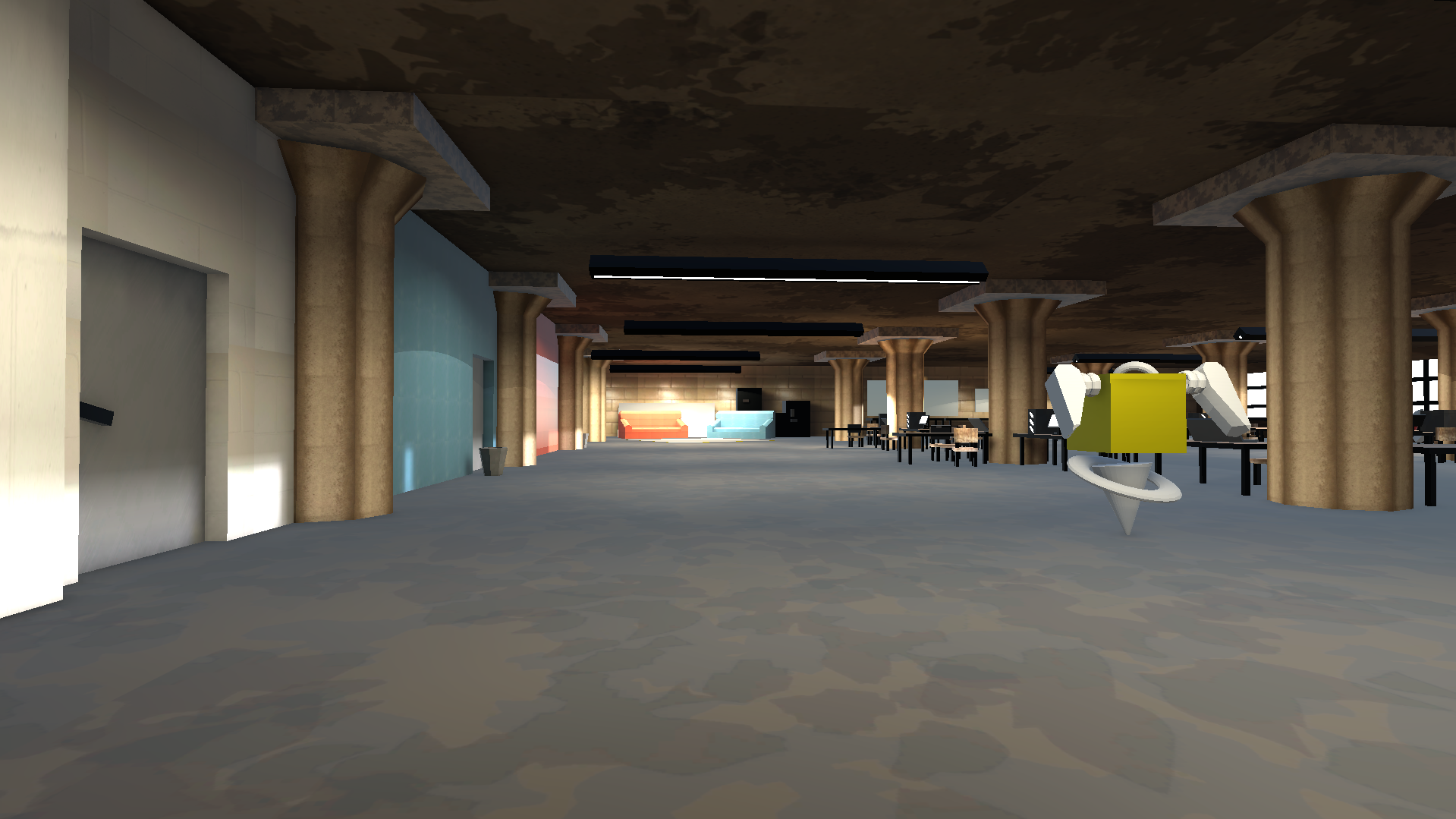
As such the browser version will be able to show you the world, but you will not be able to receive messages from the NPCs. In doing such you also will not have the ability to solve the jam.
Features:
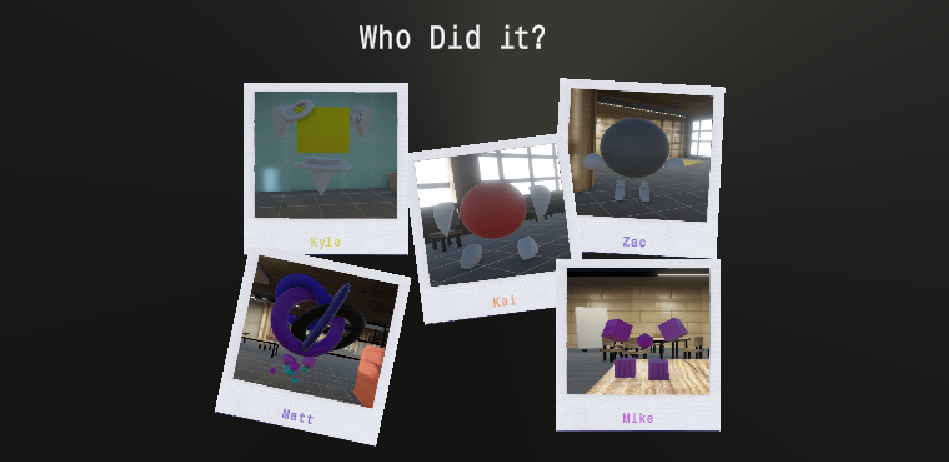
Five written characters with relationships, dreams, and alibis.
Four songs written within the jam deadline
One story of a destroyed bathroom by one of the game jam participants
Credits:
Daniel Haller: UI/Gameplay/Programming
Kevin Moens: UI/Gameplay/Programming
Richmond Vang: UI/3D Modeling/Animations/Programming
Cody Rogers: Music/Sounds
Ella Moens: Music/Sounds
Jo Debban: Music/Sounds
Andrew Vang: 2D Assets/3D Assets/UI/Level Design
Special Thanks to:
Ben Geisler, Kris Purzycki and the rest of the GATHR staff for putting on such an amazing event every year.
The University of Wisconsin -Green Bay's Center for Games and Interactive Media for just being chill every year
Download
Install instructions
Download and extract the .exe from the .zip file
Instructions for configuring the LLM:
Our game has 3 different methods for connecting LLMs:
ChatGPT - Paid By Usage
Microsoft Azure - Paid By Usage
Ollama - Free, but Ran Locally [Good Hardware and Dedicated Graphics Card Recommended]
If you're interested in trying our project for free without the use of Ollama, at the time of MASK[J]AM's release, signing up for Microsoft Azure gives you more than enough free tokens to play through the game an unfathomable number of times.
Both ChatGPT and Azure are pretty easy to setup and require some simple googling of how to acquire information such as :
- Model / Deployment Name
- Endpoint
- API Key
Steps to Installing Ollama:
1: Install Ollama
1. Visit https://ollama.com/download
2. Download the Windows installer
3. Run the installer
2: Download a Model
This can be done through the app, we tested on the smaller model deepseek-r1:8b, but each model is unique it the responses it gives.
3: Run Ollama
you can have the chat window open, or in the windows terminal run the command (without brackets):
ollama run {modelname}
example: ollama run deepseek-r1:8b
Leave a comment
Log in with itch.io to leave a comment.